
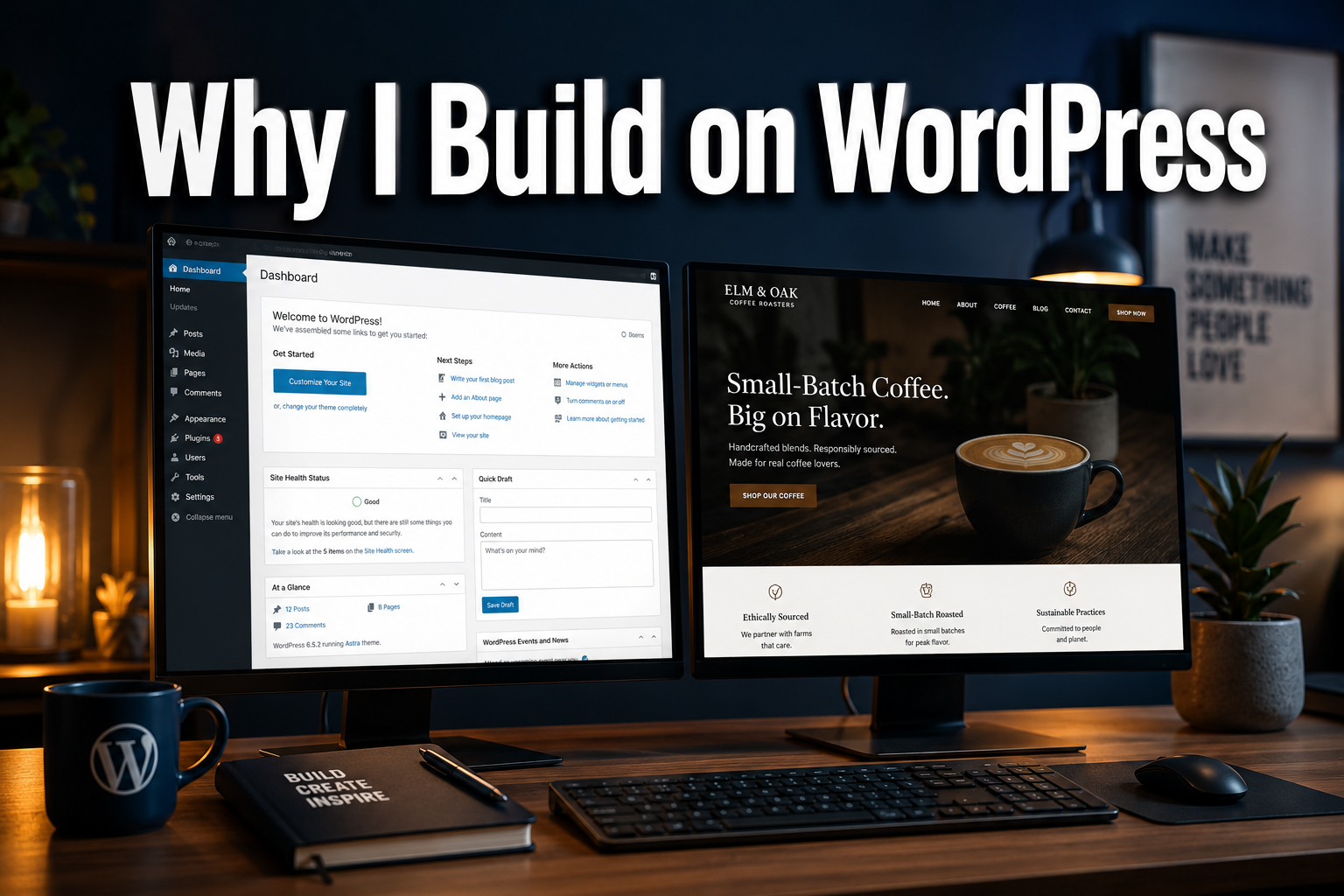
Over 43% of every website on the internet runs on WordPress. That’s not a coincidence — it’s a signal. And it’s one of the clearest reasons why I build on WordPress for almost every small business client I work with here in Stockport.
I’ve been asked this question more times than I can count. A business owner sits down with me, they’ve done a bit of Googling, and they want to know: “Should I go with WordPress, Wix, Squarespace, Shopify — what’s actually best?” My answer is almost always WordPress. But not blindly. There are real reasons behind that choice, and a few honest exceptions too.
This article lays it all out — the platform, the thinking, and the moments when WordPress isn’t the right call.
Key Takeaways
- WordPress powers over 43% of the web and offers unmatched flexibility for small businesses
- You own your site outright — no platform lock-in, no renting your digital presence
- WordPress is built with SEO in mind and supports serious content marketing strategies
- The plugin ecosystem means your site can grow with your business without rebuilding from scratch
- There are genuine cases where another platform serves you better — and I’ll tell you when
Table of Contents
- Why I Build on WordPress: The Ownership Argument
- Flexibility That Actually Means Something
- WordPress and SEO: A Natural Partnership
- The Ecosystem: Plugins, Themes, and Community
- When WordPress Might Not Be the Right Choice
- What a WordPress Build Looks Like at iindigo
- FAQ
- Conclusion
Why I Build on WordPress: The Ownership Argument
Here’s something most website builders won’t tell you upfront: when you build on Wix or Squarespace, you don’t own your website. You’re renting space on their platform. If they change their pricing, alter their terms, or shut down a feature you rely on, you’re at their mercy.
WordPress is different. It’s open-source software. Your site lives on a server you control. Your content, your design, your data — all of it belongs to you.
“Your website should be an asset, not a subscription you can’t escape.”
This matters enormously for small businesses. I’ve seen clients come to me after years on a closed platform, desperate to move but unable to take their content with them cleanly. That’s a costly, avoidable problem.
With WordPress, if you ever want to change your hosting provider, bring in a different developer, or take full control yourself, you can. The door is always open. That’s confidence in every detail — knowing your digital foundation is solid and genuinely yours.
Flexibility That Actually Means Something
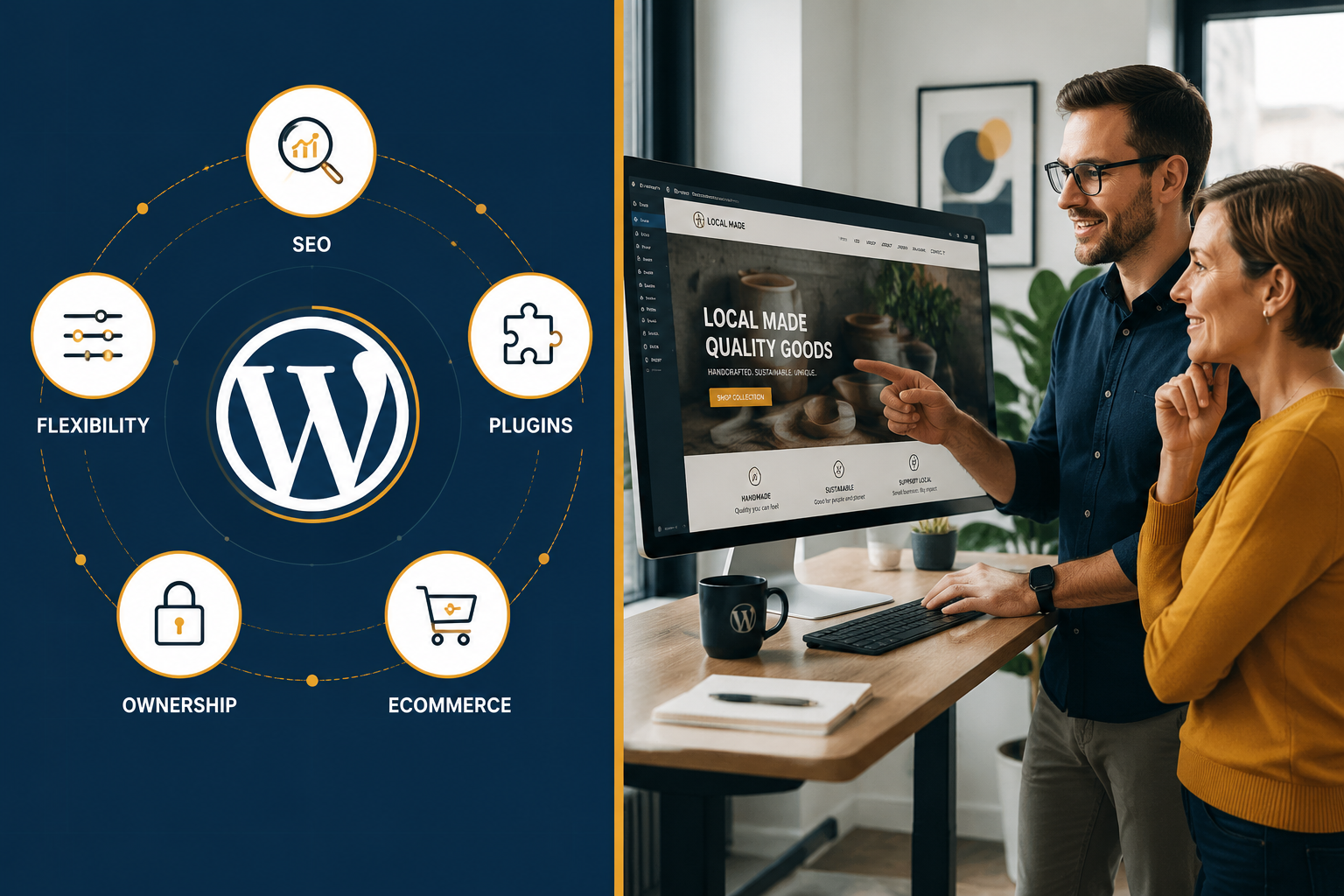
One of the main reasons why I build on WordPress is the sheer range of what it can do. Start with a simple brochure site. Add a blog six months later. Launch an online shop when you’re ready. Integrate a booking system. Build a membership area.
WordPress handles all of it — and you don’t need to rebuild from scratch each time.
For small businesses especially, this is a smarter way to invest in your online presence. You’re not locked into what the platform decides you can and can’t do. You’re working with a system that bends to your business, not the other way around.
I’ve built WordPress sites for a wide range of clients — from a Pilates instructor needing a clean, professional one-page presence to an online shop selling handcrafted goods. The platform adapts. That’s the point.
Whether you’re a landscaping business wanting to showcase your portfolio, a music school looking to attract new students, or a local coffee shop trying to drive foot traffic, WordPress can be shaped around your specific goals.
Key flexibility advantages:
| Feature | WordPress | Wix | Squarespace |
|---|---|---|---|
| Full code access | ✅ | ❌ | ❌ |
| Custom functionality | ✅ | Limited | Limited |
| Scalable as you grow | ✅ | Limited | Limited |
| Portable (move host freely) | ✅ | ❌ | ❌ |
| eCommerce capable | ✅ | ✅ | ✅ |
WordPress and SEO: A Natural Partnership
SEO isn’t optional for small businesses in 2026. If your website can’t be found on Google, it’s not working hard enough for you.
This is another core reason why I build on WordPress — it’s built with search engines in mind. The platform generates clean, structured code. It handles page titles, meta descriptions, heading hierarchies, and URL structures in a way that search engines respect.
Add a plugin like Yoast SEO or Rank Math, and you have a clear and considered SEO toolkit built right into your dashboard. You can optimise every page without touching a line of code.
But beyond the technical side, WordPress excels at content. Blogging is where it started, and it remains one of the best platforms for publishing consistent, high-quality content — the kind that builds authority and drives organic traffic over time.
If you’re serious about building your brand consistently across digital channels and want a site that contributes to a proper client acquisition funnel, WordPress gives you the tools to make that happen.
WordPress SEO strengths at a glance:
- ✅ Clean, crawlable code structure
- ✅ Full control over meta data and schema
- ✅ Fast loading with the right hosting and setup
- ✅ Mobile-responsive themes as standard
- ✅ Powerful SEO plugins with real-time guidance
- ✅ Built-in blogging for content marketing
The Ecosystem: Plugins, Themes, and Community
WordPress has been around since 2003. That’s over two decades of development, refinement, and community building. The result is an ecosystem that’s genuinely hard to rival.
There are over 59,000 plugins in the official WordPress directory alone. Need a contact form? Done. Want to add live chat? Easy. Looking to build a members-only area or integrate with your CRM? There’s a plugin for that.
This isn’t just about convenience. It means that when your business needs evolve — and they will — your website can evolve with them. You’re not starting over. You’re building on a reliable and refined foundation that grows with you.
The community side matters too. WordPress is supported by thousands of developers worldwide. Documentation is thorough. Support forums are active. If something goes wrong or a new technology emerges, the WordPress ecosystem responds quickly.
For my clients in Stockport and across the UK, this translates into a website that stays current, stays secure, and stays capable — without needing a complete rebuild every couple of years.
When WordPress Might Not Be the Right Choice
Honesty is part of how I work. So let me be clear: WordPress isn’t always the answer.
When a simpler platform might serve you better:
🔹 You need a very simple one-pager. If you genuinely only need a single landing page with your name, what you do, and a contact form, a lightweight tool might be quicker and cheaper. That said, even here, WordPress can handle it cleanly — and gives you room to grow.
🔹 You’re running a large-scale eCommerce operation. WordPress with WooCommerce is excellent for most online shops. But if you’re processing thousands of transactions daily, need advanced inventory management, or want deeply integrated point-of-sale systems, Shopify is purpose-built for that level of retail complexity. It’s a specialist tool for specialist needs.
🔹 You want zero technical involvement, ever. WordPress does require maintenance — updates, security patches, plugin management. At iindigo, I handle all of that for my clients. But if you’re going it completely alone and want something truly hands-off, a fully managed platform might feel simpler. Just understand the trade-offs around ownership and flexibility.
🔹 You’re building a highly specific app-like product. If your “website” is really a complex web application, you’re likely looking beyond WordPress entirely — into custom development territory.
For the vast majority of small businesses? WordPress is the right call. But part of my job is making sure you’re on the right platform for your situation — not just the most popular one.
What a WordPress Build Looks Like at iindigo
When I build a WordPress site for a client, it’s thoughtfully designed from the ground up. Not a template dropped in and handed over. A considered, strategic build that reflects your brand and is built to perform.
Here’s what that typically includes:
- Discovery — Understanding your business goals, your customers, and what success looks like
- Design — A clean, modern layout that represents your brand with confidence
- Development — Built on WordPress with the right plugins, proper SEO foundations, and mobile-first responsiveness
- Launch — Tested across devices and browsers, then handed over with your approval
- Ongoing support — Hosting, updates, security, and maintenance handled for you
I aim to have a draft ready within 30 days. From there, it’s your call when to go live.
Whether you’re a construction company wanting to build trust online, a real estate agent showcasing properties, or a business owner ready to explore what great web design in Stockport looks like, the process is the same: clear, considered, and built around you.
FAQ
Q: Do I need technical knowledge to manage a WordPress site? Not at all. WordPress has a straightforward dashboard that most people pick up quickly. And if you’d rather not deal with the technical side, I handle all updates, security, and maintenance as part of my ongoing service.
Q: Is WordPress secure? Yes — when properly maintained. Like any software, it needs regular updates. I manage this for all my clients, so security stays tight without you needing to think about it.
Q: Can I update my own content on a WordPress site? Absolutely. WordPress is designed for non-technical users to add blog posts, update text, swap images, and manage pages without touching any code.
Q: How does WordPress compare to Shopify for eCommerce? For most small shops, WordPress with WooCommerce is excellent and more flexible. Shopify edges ahead for very high-volume retail operations where eCommerce is the entire business model.
Q: Will my WordPress site rank on Google? A well-built WordPress site with proper SEO foundations gives you a strong starting point. Ranking well takes consistent effort — good content, technical SEO, and ideally some link building for local businesses — but WordPress makes all of that achievable.
Q: How long does a WordPress build take? I aim for a draft within 30 days. The exact timeline depends on how quickly we can gather your content and how many revisions are needed.
Conclusion
The reason why I build on WordPress comes down to three things: ownership, flexibility, and longevity. It’s a platform that puts you in control, grows with your business, and doesn’t hold your website hostage.
For small business owners who want a modern solution that’s reliable, refined, and built to work — not just look good — WordPress consistently delivers. It’s not the flashiest answer. But it’s the right one.
If you’re ready to build something that actually works for your business, I’d love to talk it through. Book a free discovery call or get in touch and let’s figure out the best approach for you.